Python Variables and Data Types: Beginner Lesson Slides
Beginner Python slides on variables and data types: naming rules, int, float, str, bool, None, list, tuple, dict and set, type(), dynamic typing and conversion, with tested code, notes and a quiz.
17 slides · 40 min lesson · 5-question quiz · speaker notes
Learning objectives
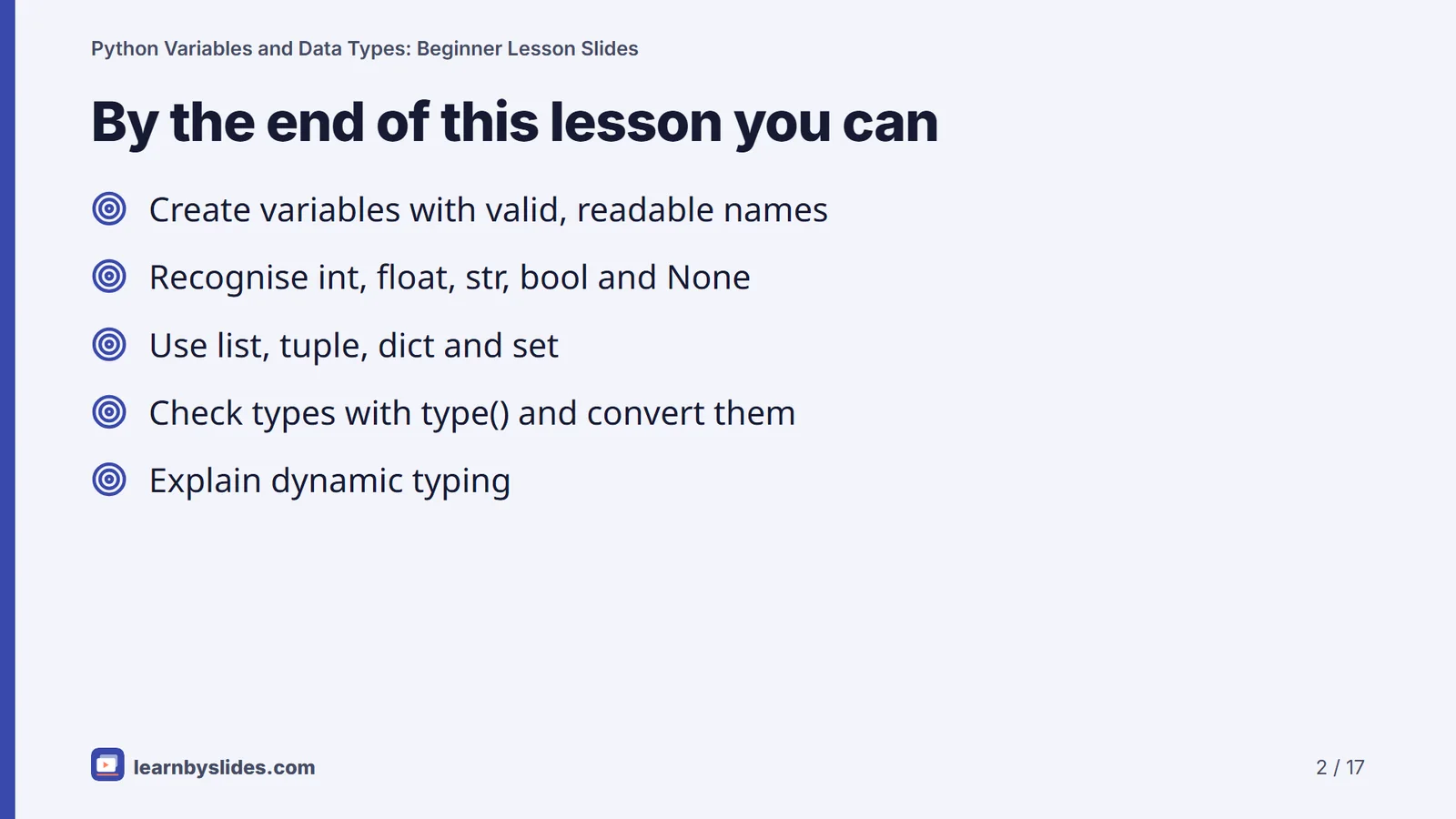
- Create and reassign variables using valid, readable names.
- Identify int, float, str, bool and None values in code.
- Use list, tuple, dict and set to store groups of values.
- Check types with type() and convert with int(), float() and str().
- Explain what dynamic typing means in Python.
What this lesson covers
A variable in Python is a name that refers to a value, and every value has a data type that decides what you can do with it. This deck teaches both ideas in one 40-minute lesson for school students and adult beginners. It covers naming rules, the core types (int, float, str, bool and None), the four basic collections (list, tuple, dict, set), checking types with type(), dynamic typing and converting between types. Every code example on the slides was run on Python 3 and the outputs shown are exact.
Variables and naming rules
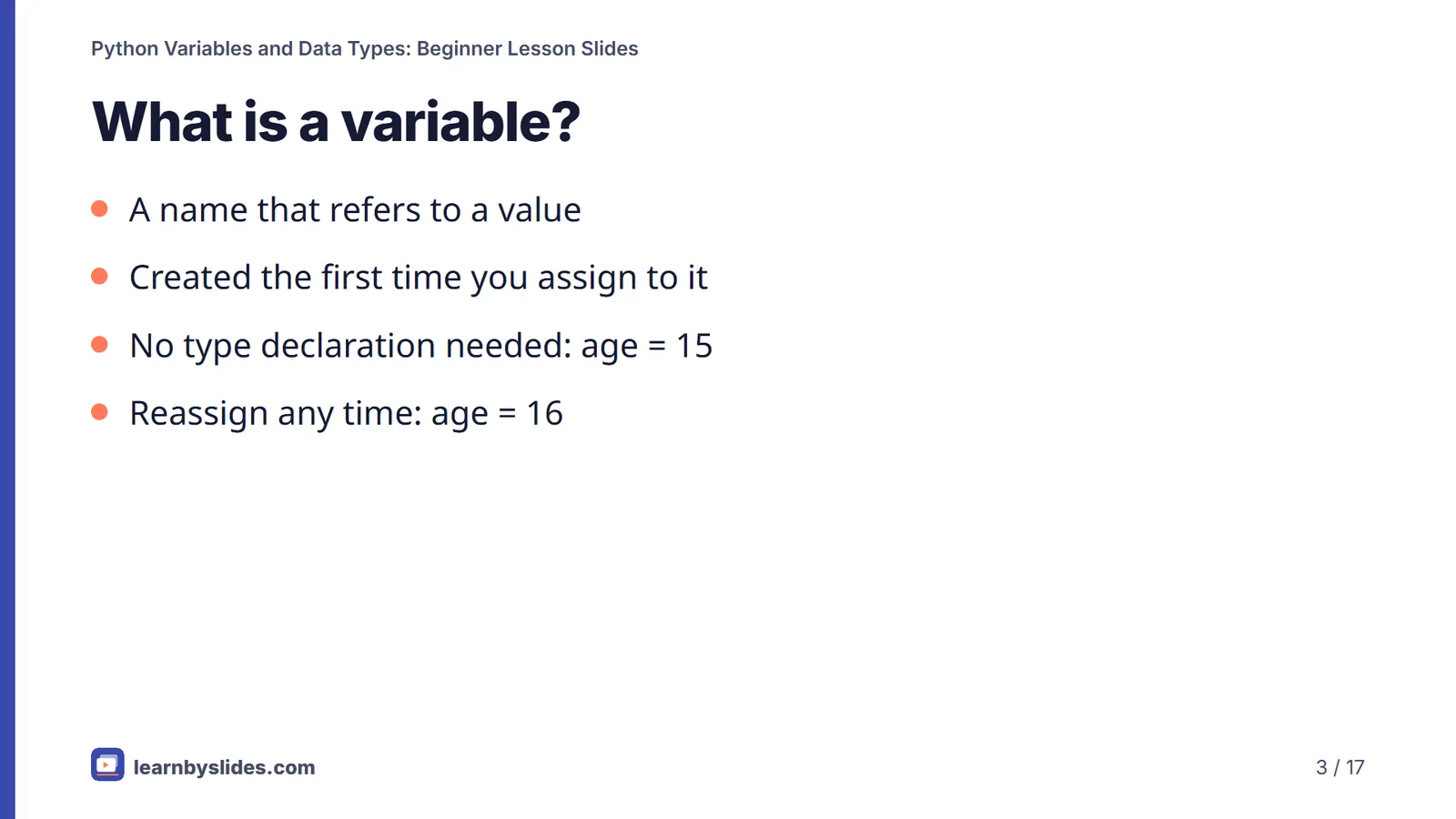
You create a variable by assigning to it with a single =: age = 15. There is no separate declaration, and you can reassign it later with age = 16.
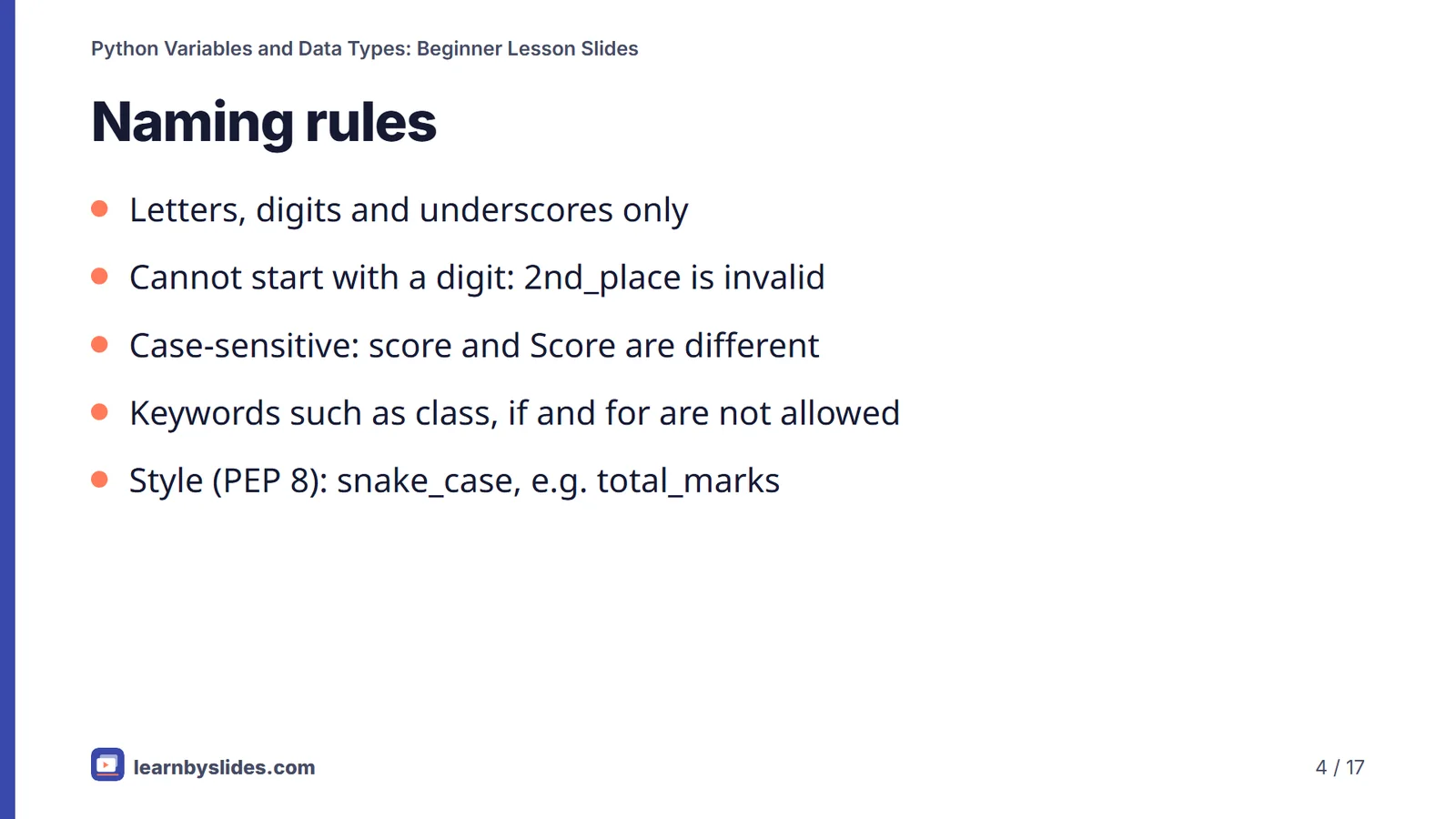
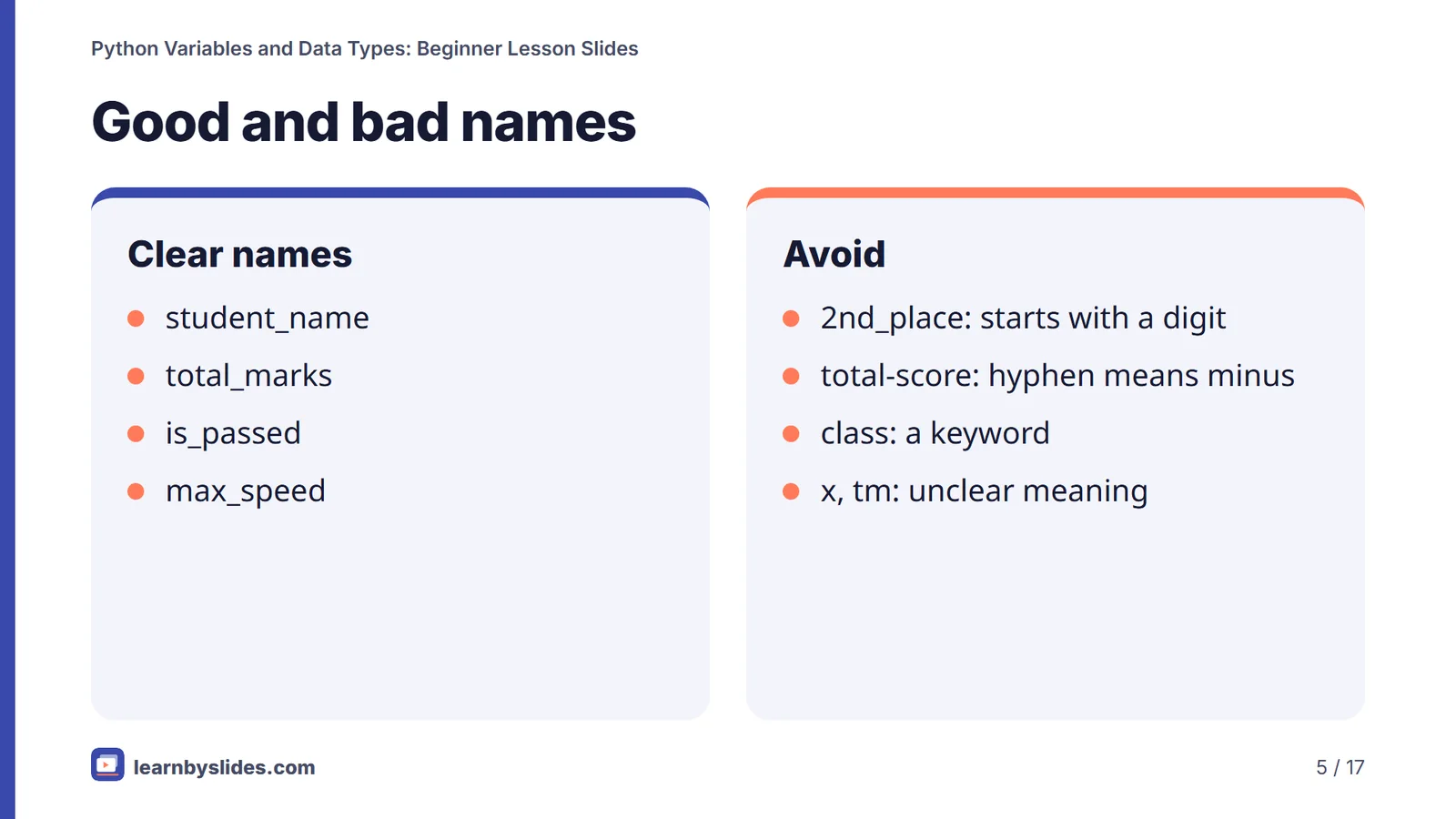
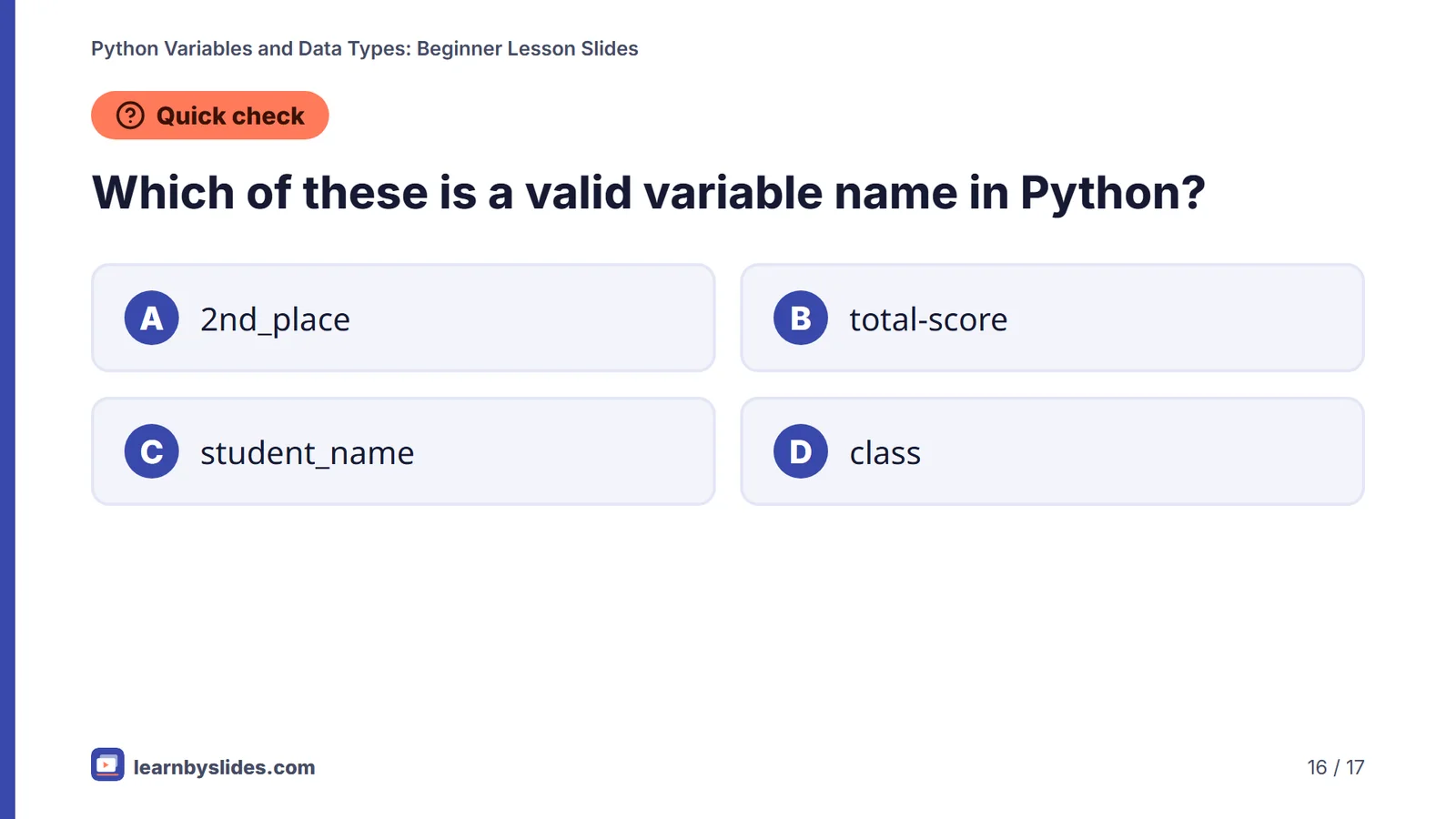
A name may contain letters, digits and underscores but cannot start with a digit, so 2nd_place is a SyntaxError. Names are case-sensitive: score and Score are two different variables. Keywords such as class, if and for cannot be used as names, and total-score fails because Python reads the hyphen as a minus sign. The official style guide, PEP 8, recommends lowercase words joined by underscores, such as total_marks.
Core data types
- int: whole numbers such as
42or-7. - float: numbers with a decimal point such as
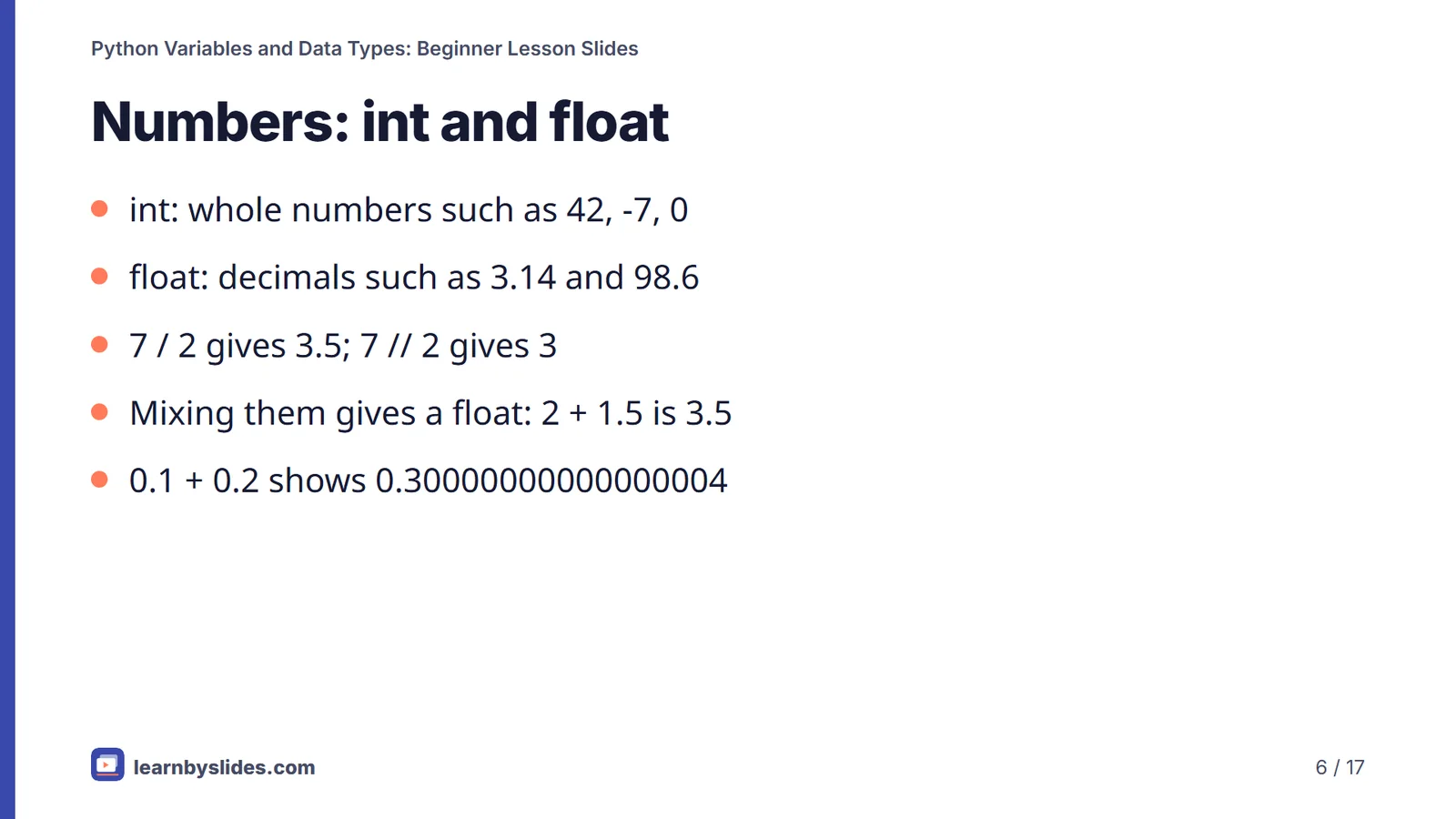
3.14. Note that7 / 2gives3.5, while7 // 2gives3, and0.1 + 0.2shows0.30000000000000004because floats are stored in binary. - str: text in single or double quotes.
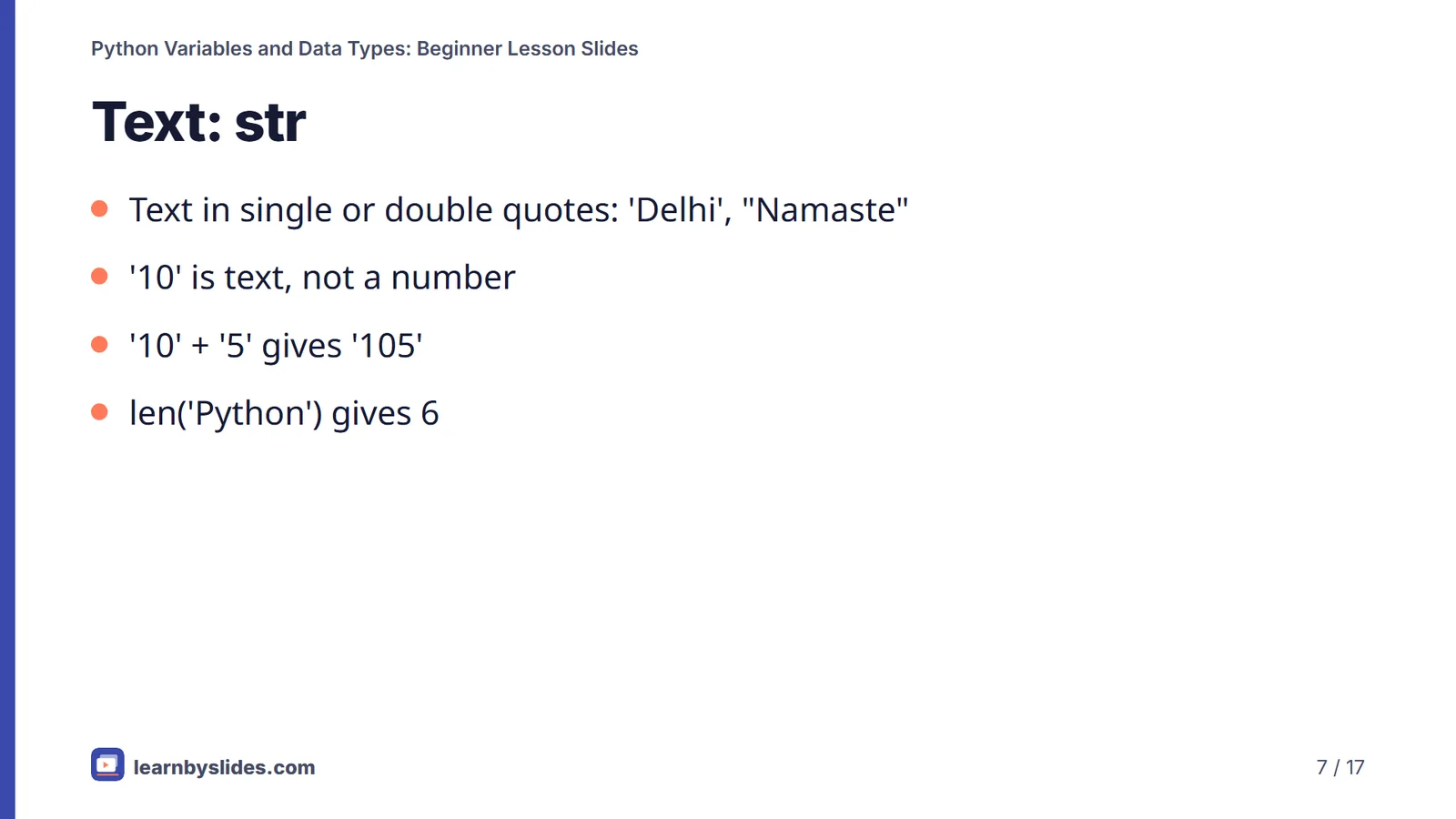
'10' + '5'joins text to give'105', not15. - bool:
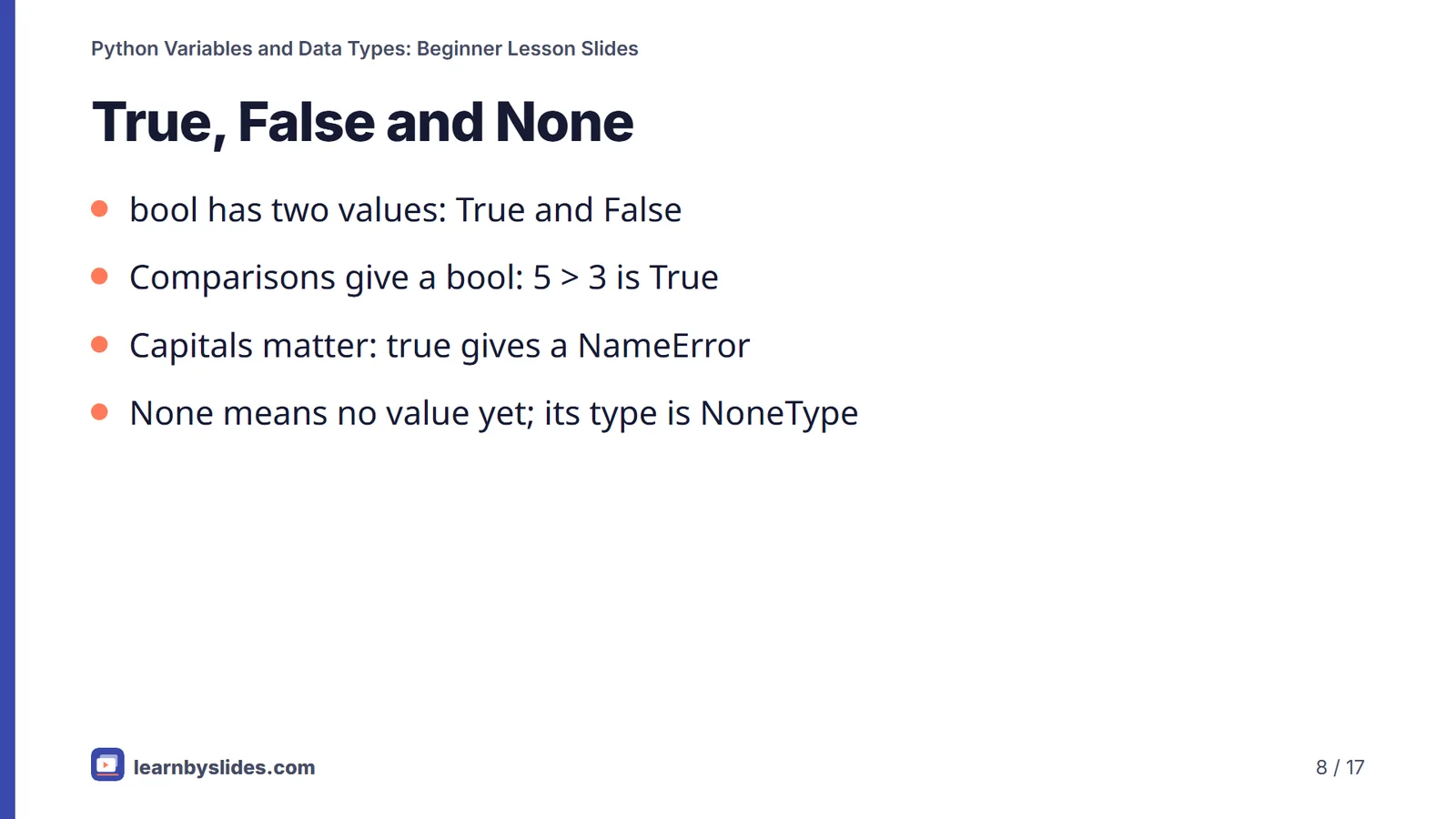
TrueorFalse, with capital letters; comparisons such as5 > 3produce a bool. - None: a special value meaning "nothing yet"; its type is
NoneType.
Collections: list, tuple, dict and set
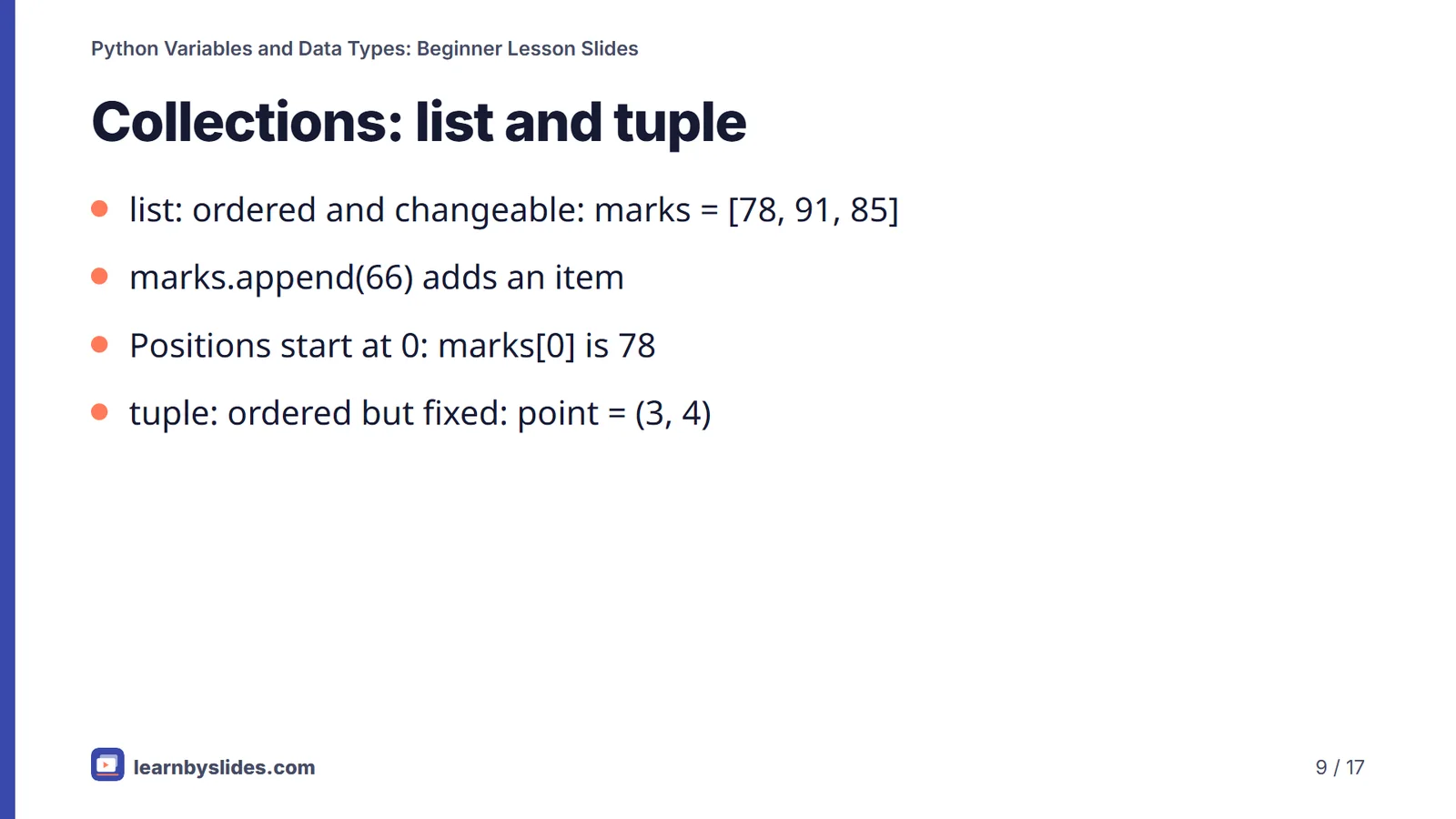
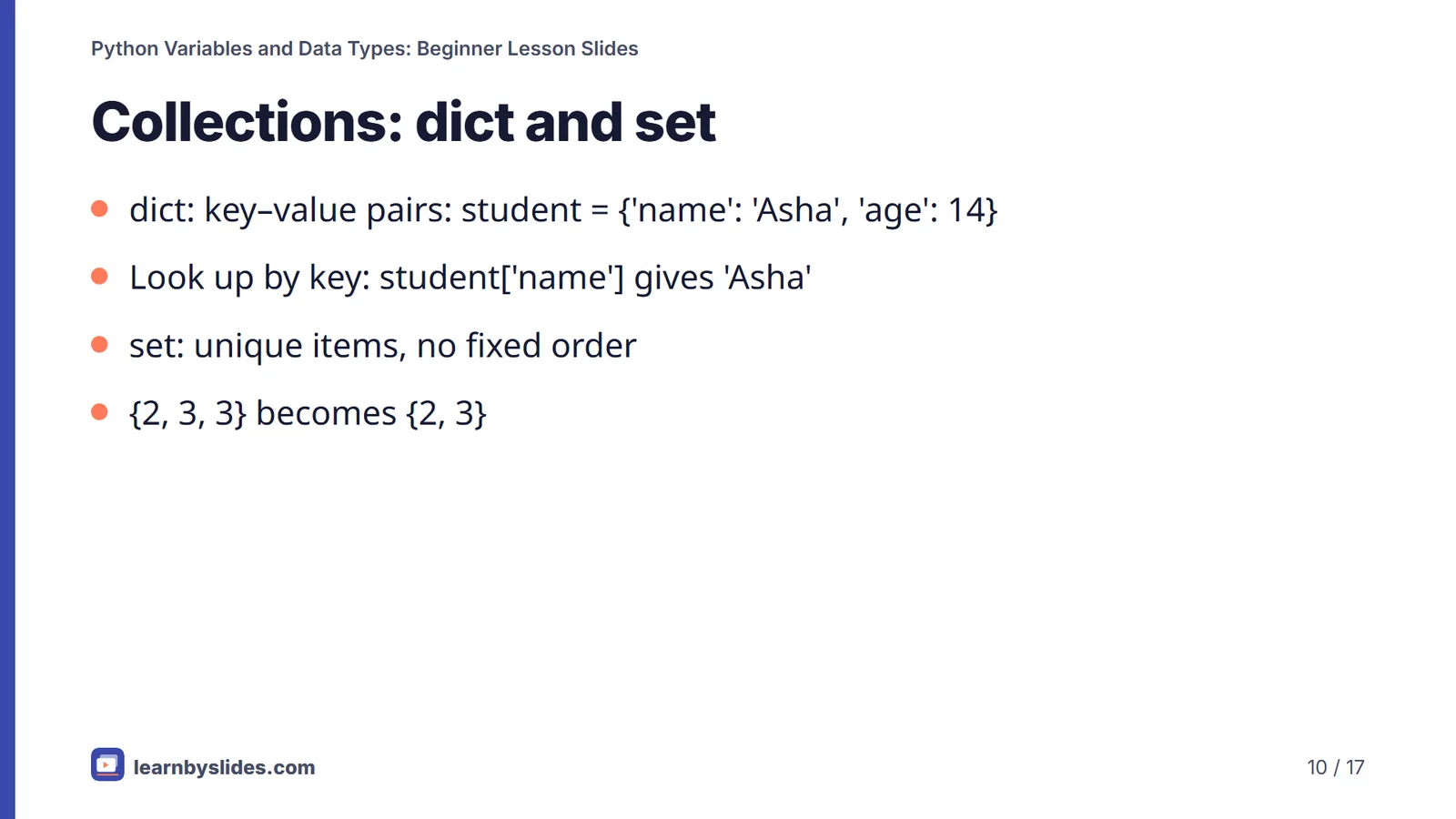
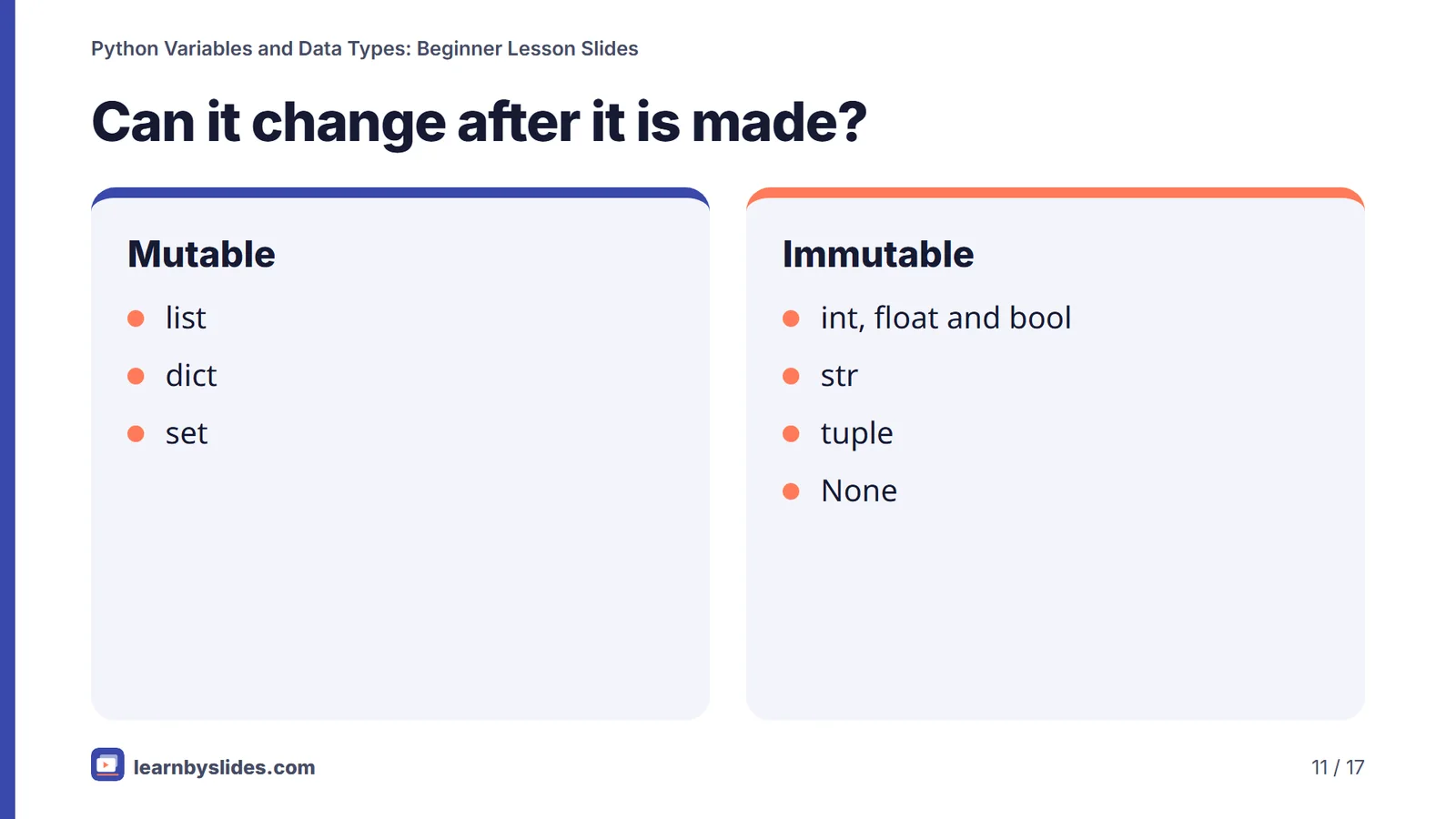
A list is an ordered, changeable sequence: marks = [78, 91, 85], and marks.append(66) adds an item. Positions start at 0, so marks[0] is 78. A tuple such as (3, 4) is ordered but cannot be changed after it is created. A dict stores key–value pairs, so student['name'] looks up a value by its key. A set keeps only unique items: {2, 3, 3} becomes {2, 3}. Lists, dicts and sets are mutable; numbers, strings and tuples are immutable.
type(), dynamic typing and conversion
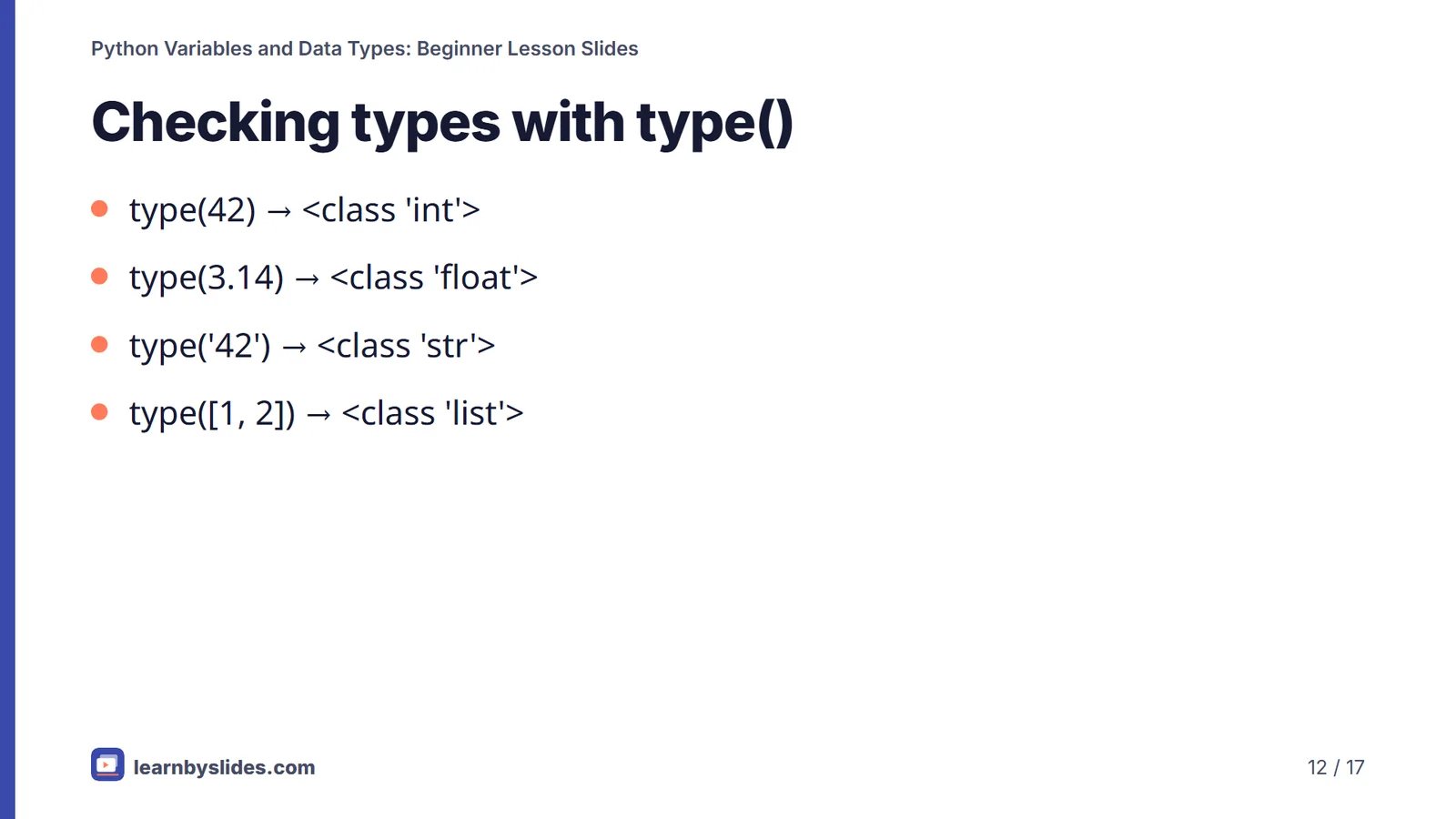
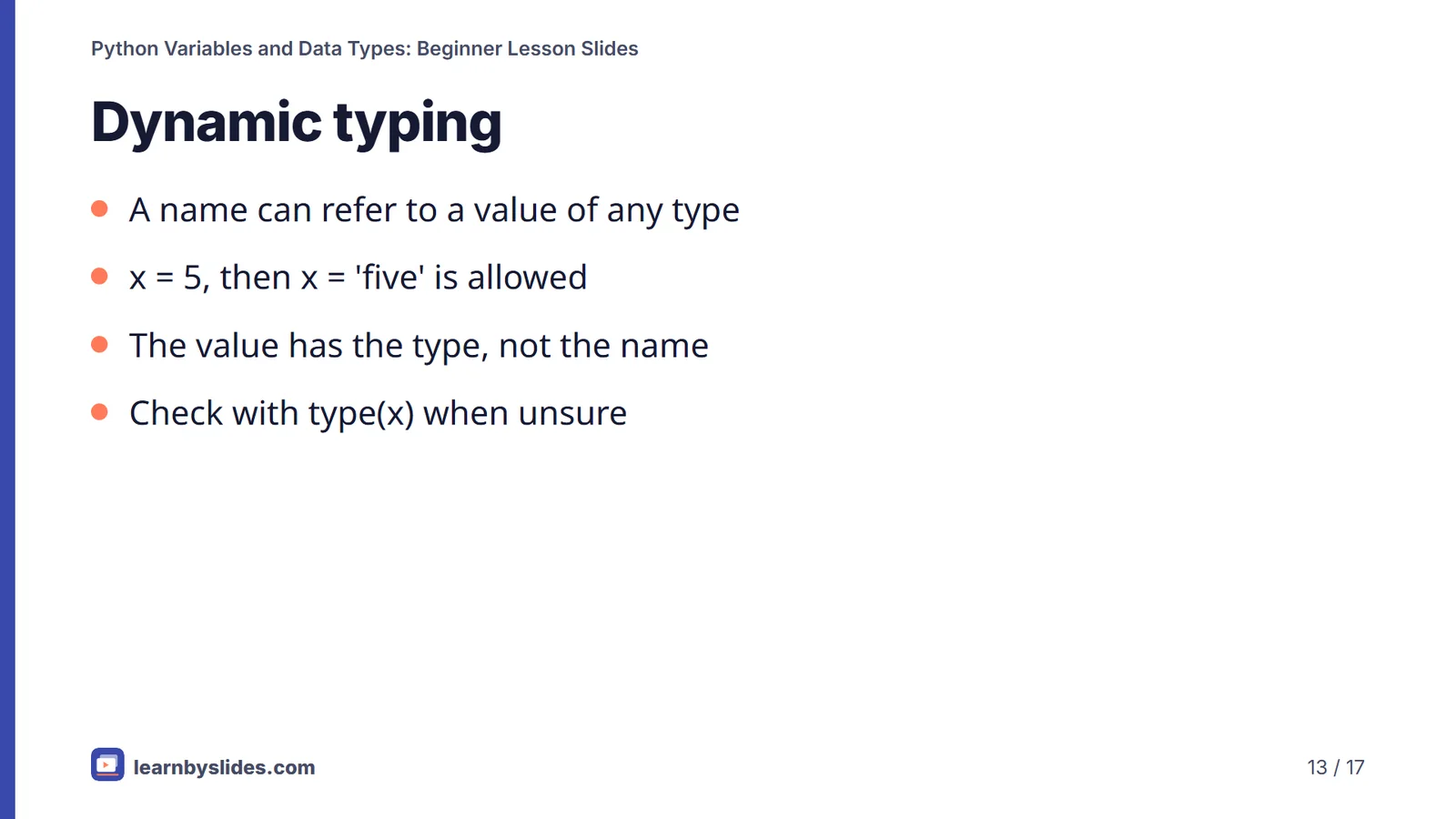
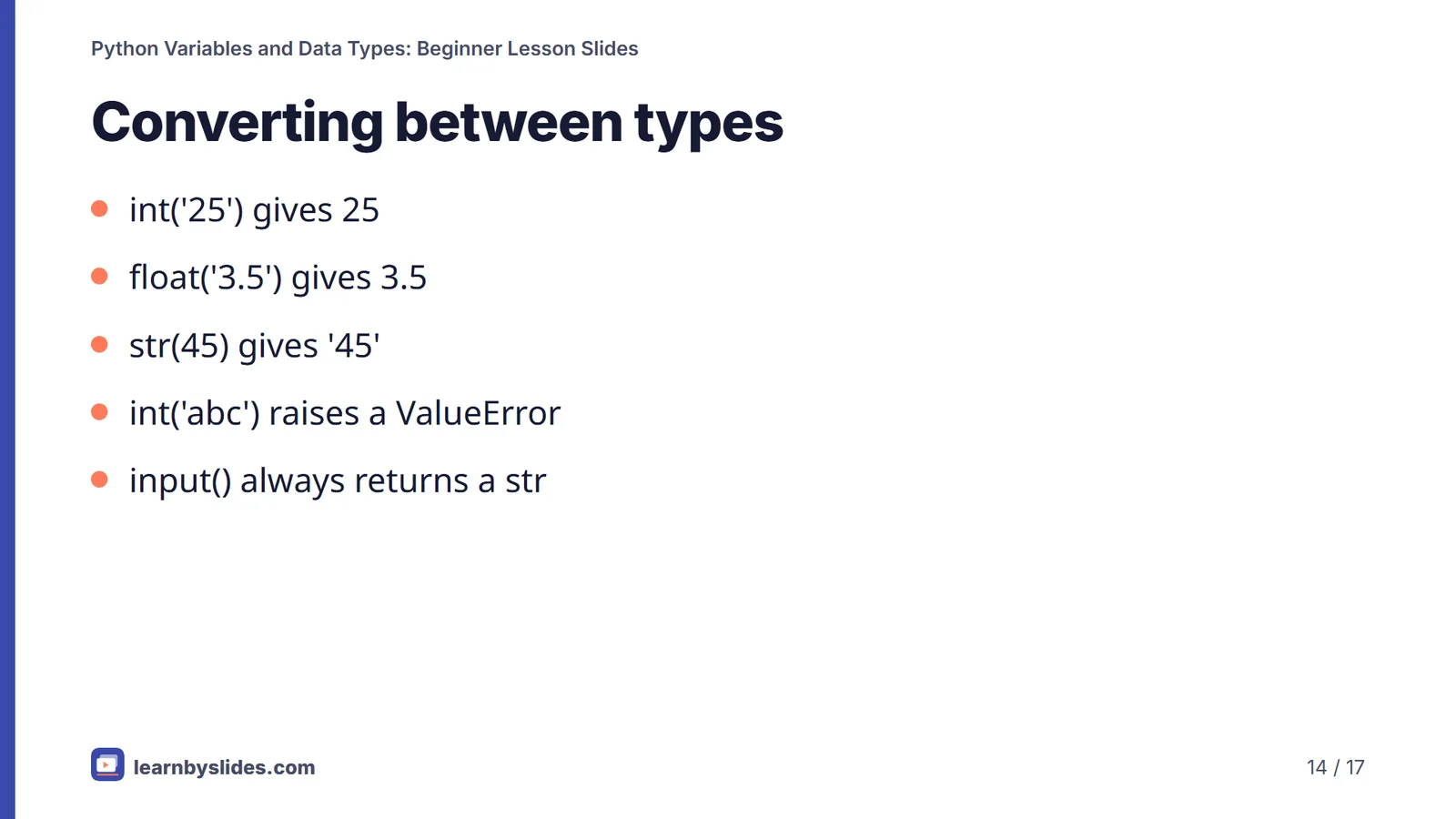
type(42) shows <class 'int'>, and type('42') shows <class 'str'>. Python is dynamically typed: the type belongs to the value, not the name, so x = 5 followed by x = 'five' is allowed. To convert, use int(), float() and str(): int('25') gives 25, but int('abc') raises a ValueError. Because input() always returns a string, convert it before doing arithmetic.
Common beginner mistakes and how to teach them
Most early bugs come from a handful of misunderstandings. Learners read the equals sign as a statement of fact rather than an instruction to store a value, so contrast assignment with comparison early. They treat numbers typed in quotes, or numbers read with input(), as if they were ready for arithmetic; show what happens when text is added or multiplied, then fix it with a conversion. They write true and false in lowercase, and they expect a tuple or a string to change in place. Projecting a live Python shell and letting learners predict each output before you press Enter turns every one of these mistakes into a quick, memorable lesson.
Slide-by-slide content
1. Python Variables and Data Types
Beginner lesson · Names, values and Python's built-in types
Speaker notes
Ask: who has written any code before, even a single line? Reassure beginners that Python reads close to plain English. Tell them every code example in this deck has been run on Python 3, so they can type it in and check.
2. By the end of this lesson you can
- Create variables with valid, readable names
- Recognise int, float, str, bool and None
- Use list, tuple, dict and set
- Check types with type() and convert them
- Explain dynamic typing
Speaker notes
Read the objectives aloud. If computers are available, ask learners to open a Python shell now and try each example as you go.
3. What is a variable?
- A name that refers to a value
- Created the first time you assign to it
- No type declaration needed: age = 15
- Reassign any time: age = 16
Speaker notes
Compare a variable to a label stuck on a value rather than a box. Ask: what does = mean in maths, and what does it mean here? In Python it means assign, not equals; == tests equality.
4. Naming rules
- Letters, digits and underscores only
- Cannot start with a digit: 2nd_place is invalid
- Case-sensitive: score and Score are different
- Keywords such as class, if and for are not allowed
- Style (PEP 8): snake_case, e.g. total_marks
Speaker notes
Type 2nd_place = 1 in the shell to show the SyntaxError. Ask: why might score and Score in the same program cause a bug? Python treats them as two separate variables.
5. Good and bad names
Clear names
- student_name
- total_marks
- is_passed
- max_speed
Avoid
- 2nd_place: starts with a digit
- total-score: hyphen means minus
- class: a keyword
- x, tm: unclear meaning
Speaker notes
The first three names in the right column cause errors; the last one runs but is hard to read. Ask learners to rename tm to something meaningful. Code is read far more often than it is written.
6. Numbers: int and float
- int: whole numbers such as 42, -7, 0
- float: decimals such as 3.14 and 98.6
- 7 / 2 gives 3.5; 7 // 2 gives 3
- Mixing them gives a float: 2 + 1.5 is 3.5
- 0.1 + 0.2 shows 0.30000000000000004
Speaker notes
Run 0.1 + 0.2 live: it surprises everyone. Explain that floats are stored in binary, so some decimals are approximations. Ask: which operator would you use to share 7 sweets equally between 2 people?
7. Text: str
- Text in single or double quotes: 'Delhi', "Namaste"
- '10' is text, not a number
- '10' + '5' gives '105'
- len('Python') gives 6
Speaker notes
Show that + joins strings instead of adding them. Ask: what would '10' * 3 give? It repeats the text: '101010'. A common error is trying to add a str and an int, which raises a TypeError.
8. True, False and None
- bool has two values: True and False
- Comparisons give a bool: 5 > 3 is True
- Capitals matter: true gives a NameError
- None means no value yet; its type is NoneType
Speaker notes
Type true in the shell to show NameError: name 'true' is not defined. Ask: where might you use None? For example, a phone number that has not been entered yet.
9. Collections: list and tuple
- list: ordered and changeable: marks = [78, 91, 85]
- marks.append(66) adds an item
- Positions start at 0: marks[0] is 78
- tuple: ordered but fixed: point = (3, 4)
Speaker notes
After append, marks is [78, 91, 85, 66]. Ask: why would you choose a tuple for map coordinates? Because they should not change by accident.
10. Collections: dict and set
- dict: key–value pairs: student = {'name': 'Asha', 'age': 14}
- Look up by key: student['name'] gives 'Asha'
- set: unique items, no fixed order
- {2, 3, 3} becomes {2, 3}
Speaker notes
Relate a dict to a school ID card: each label (key) has a value. Ask: how could a set help count how many different states students come from? It removes duplicates automatically.
11. Can it change after it is made?
Mutable
- list
- dict
- set
Immutable
- int, float and bool
- str
- tuple
- None
Speaker notes
Show that t[0] = 9 on a tuple raises TypeError: 'tuple' object does not support item assignment. The same happens for a str. Reassigning a name is allowed; changing an immutable value in place is not.
12. Checking types with type()
- type(42) → <class 'int'>
- type(3.14) → <class 'float'>
- type('42') → <class 'str'>
- type([1, 2]) → <class 'list'>
Speaker notes
Ask learners to predict type(3.0) before running it; the answer is float, because of the decimal point. type() is the quickest way to debug a value that behaves strangely.
13. Dynamic typing
- A name can refer to a value of any type
- x = 5, then x = 'five' is allowed
- The value has the type, not the name
- Check with type(x) when unsure
Speaker notes
Run x = 5, type(x), then x = 'five', type(x): the result changes from int to str. Ask: what problem could this cause in a long program? A name may hold a different type than you expect.
14. Converting between types
- int('25') gives 25
- float('3.5') gives 3.5
- str(45) gives '45'
- int('abc') raises a ValueError
- input() always returns a str
Speaker notes
This is the most common beginner bug: adding a number typed by the user without converting it. Ask: what does int('3.5') do? It raises a ValueError; use float() first.
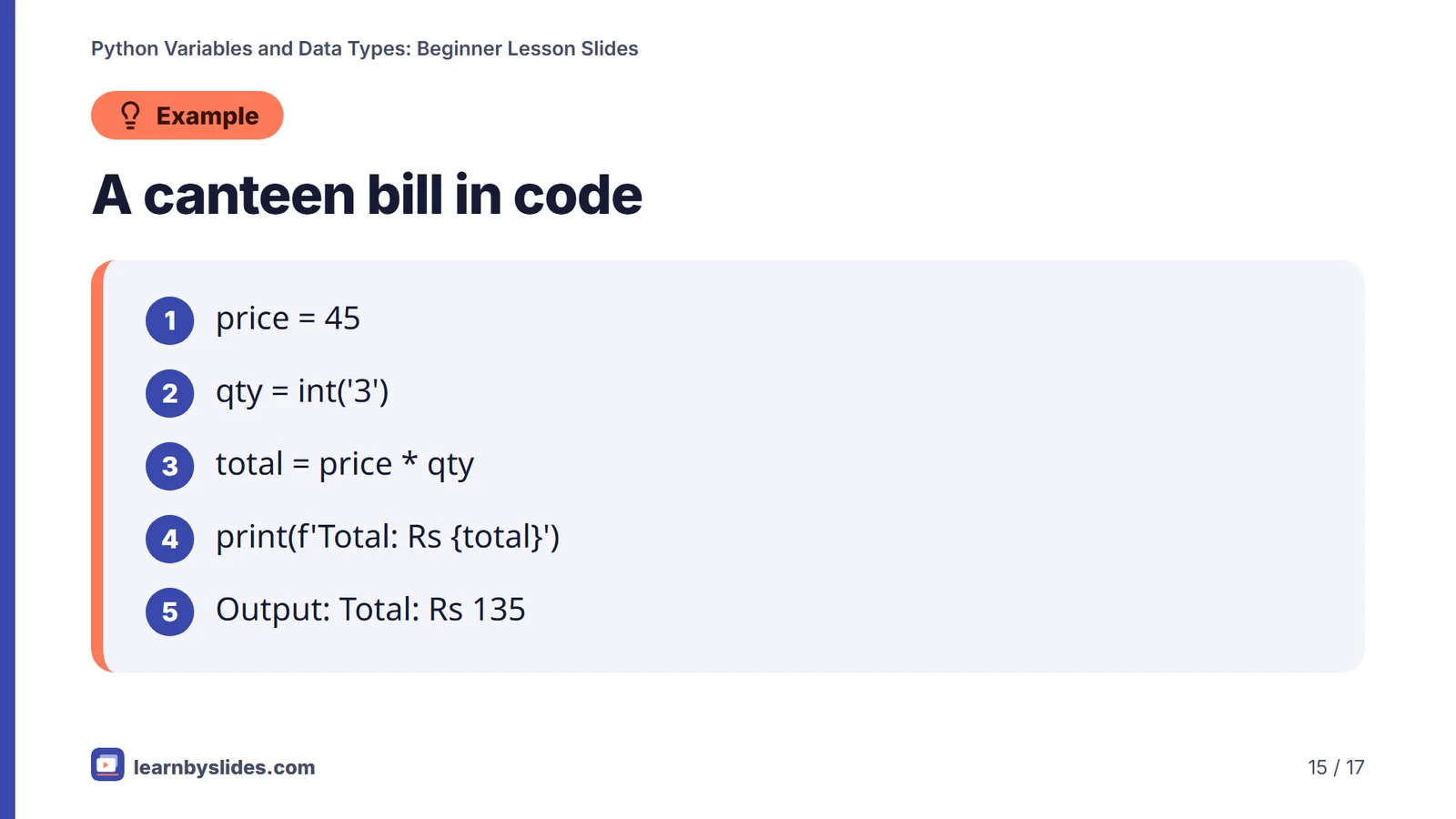
15. A canteen bill in code
- price = 45
- qty = int('3')
- total = price * qty
- print(f'Total: Rs {total}')
- Output: Total: Rs 135
Speaker notes
In a real program qty would come from input(), which returns the text '3', so int() is needed. Ask: what would print if we forgot int()? '3' * 45 repeats the text, a classic surprise.
16. Quick check
Which of these is a valid variable name in Python?
- 2nd_place
- total-score
- student_name
- class
Speaker notes
Answer: C, student_name. 2nd_place starts with a digit, total-score contains a minus sign, and class is a reserved keyword.
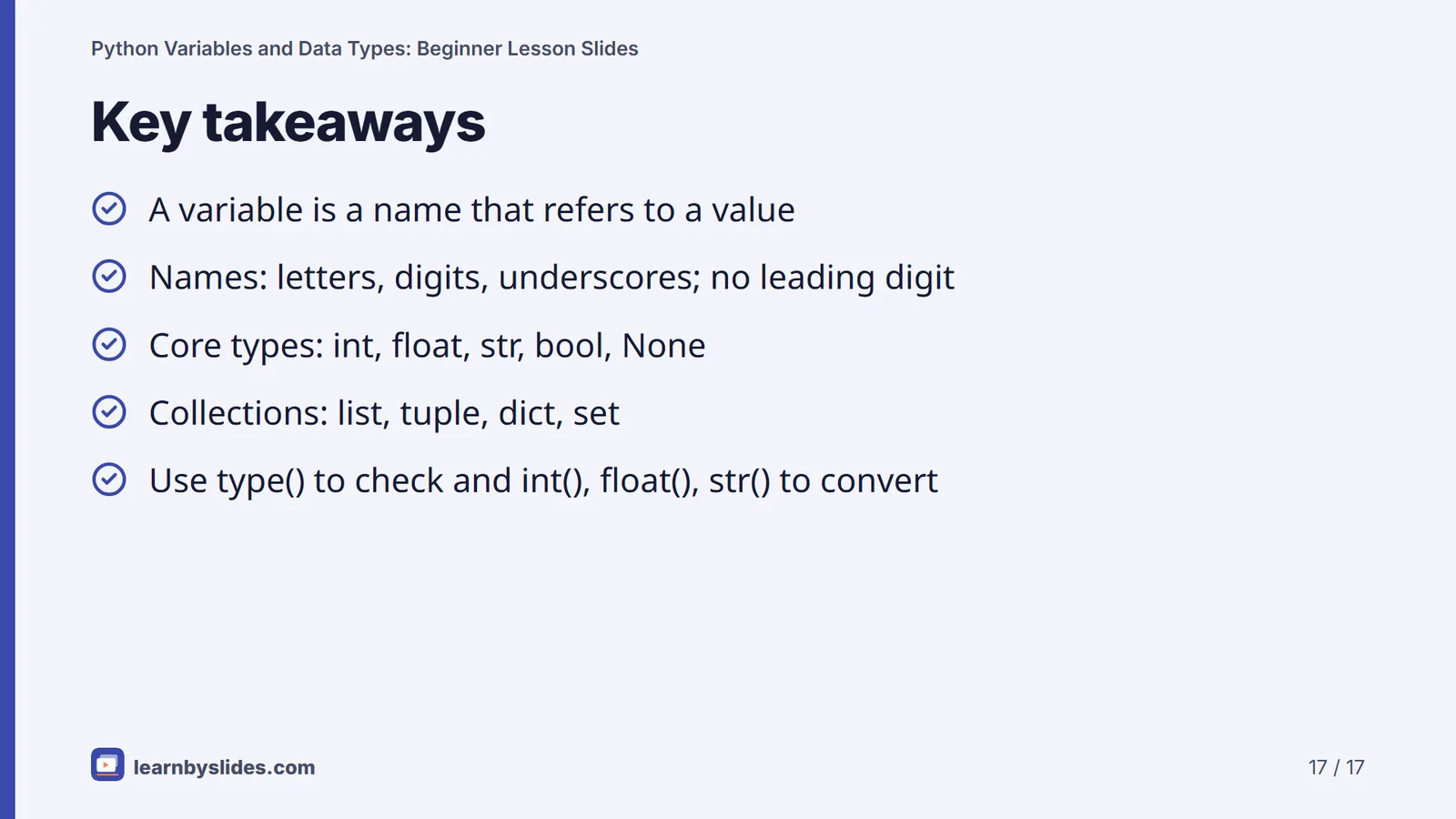
17. Key takeaways
- A variable is a name that refers to a value
- Names: letters, digits, underscores; no leading digit
- Core types: int, float, str, bool, None
- Collections: list, tuple, dict, set
- Use type() to check and int(), float(), str() to convert
Speaker notes
Recap with one live example per bullet. Then take the five-question quiz on the page and set a short task: store your name, age and three favourite foods in suitable variables and print their types.
Key terms
- Variable
- A name that refers to a value, created when you first assign to it.
- Data type
- The kind of a value, such as int, float or str, which decides what you can do with it.
- Dynamic typing
- The type belongs to the value, so the same name can refer to values of different types over time.
- Keyword
- A reserved word such as class, if or for that cannot be used as a variable name.
- Mutable
- Can be changed after it is created, like a list, dict or set.
- Immutable
- Cannot be changed in place after creation, like an int, str or tuple.
- Type conversion
- Turning a value into another type with functions such as int(), float() and str().
Quick quiz
Teacher notes
Suggested 40-minute plan: 5 minutes on variables and assignment, 5 minutes on naming rules, 10 minutes on int, float, str, bool and None, 10 minutes on list, tuple, dict and set, 5 minutes on type(), dynamic typing and conversion, 5 minutes for the quick check and quiz. Keep a Python shell projected and run every example live; outputs on the slides were tested on Python 3. Common misconceptions: = means equals; '10' behaves like a number; true and false work in lowercase; input() returns a number. Extension: ask learners to write a program that reads two numbers with input() and prints their sum.
Frequently asked questions
Do I need to declare a variable's type in Python?
No. Python is dynamically typed: a variable is created when you first assign to it, and its type comes from the value. The same name can later refer to a value of a different type.
What is the difference between 10 and '10'?
10 is an int that you can do arithmetic with. '10' is a str, a piece of text: '10' + '5' joins the text to give '105'. Use int('10') to turn the text into a number.
Why does my variable name give an error?
A name that starts with a digit, such as 2nd_place, gives a SyntaxError. So does a hyphenated name like total-score, because the hyphen is read as minus, or a keyword such as class. Use letters, digits and underscores, starting with a letter or underscore.
Why does 0.1 + 0.2 not print 0.3?
Floats are stored in binary, and numbers like 0.1 cannot be represented exactly, so Python shows 0.30000000000000004. For money, work in whole paise or use the decimal module.
Sources & methodology
Every fact is checked against the sources below. We write original explanations and draw original graphics; no figures are copied from textbooks. Spotted an error? See our corrections policy.
- Built-in Types (numeric types, str, list, tuple, dict, set, bool, None) (Python Software Foundation, accessed 30 Sept 2026)
- Lexical analysis: identifiers and keywords (Python Software Foundation, accessed 30 Sept 2026)
- The Python Tutorial: Data Structures (Python Software Foundation, accessed 30 Sept 2026)
- PEP 8: Style Guide for Python Code (naming conventions) (Python Software Foundation, accessed 30 Sept 2026)
Reviewed by Claude (pending owner check) · Updated
Related lessons
 Topic
TopicHow to Study Effectively: Spaced Repetition and Active Recall
Research-based slides on studying smarter: why rereading and highlighting fade, how self-testing and spaced reviews work, the 10–20% spacing rule, and a 30-day exam plan, with notes and a quiz.
 Class 7 · Maths
Integers: Class 7 Maths Lesson Slides
Ready-to-teach Class 7 slides on integers: the number line, adding and subtracting, sign rules for multiplying and dividing, and key properties, with lifts, temperatures, money, speaker notes and a quiz.
 Class 10 · Science
Chemical Reactions and Equations: Class 10 Science Slides
A ready-to-teach CBSE Class 10 Science deck on Chemical Reactions and Equations: writing and balancing equations, the main reaction types, exothermic and endothermic changes, oxidation, reduction, corrosion and rancidity.
 Class 8 · Science
Crop Production and Management: Class 8 Science Slides
A ready-to-teach Class 8 Science deck on Crop Production and Management: kharif and rabi crops, soil preparation, sowing, manure and fertilisers, irrigation, weed control, harvesting and safe storage of grain.
 UPSC · Polity
Fundamental Rights: UPSC Polity Revision Slides
Exam-ready revision slides on Part III of the Constitution (Articles 12–35): six categories of rights, citizen-only rights, Article 32 and the five writs, key amendments and emergency rules, with a quiz.
 Class 10 · Science
Life Processes: Class 10 Science Lesson Slides
A ready-to-teach deck on the four life processes in CBSE Class 10 Science: nutrition, respiration, transportation and excretion, with original diagrams, a 5-question quiz and speaker notes for every slide.
Get new LearnBySlides resources by email
One short email when new free resources go live. No spam, unsubscribe anytime.